

My Design Process: From Concept to Launch

Every successful project starts with a solid design process. Over the years, I've refined my approach to create products that users love.
Phase 1: Discovery & Research
Understanding the problem is the foundation of great design.
User Research Methods
- User Interviews - Direct conversations with target users
- Competitive Analysis - Study what others are doing
- Analytics Review - Let data guide decisions
- Stakeholder Workshops - Align on goals and constraints
Remember
Never skip the research phase. The insights you gain here will save countless hours later in the design process.
Phase 2: Ideation & Sketching
This is where creativity meets strategy. I typically:
- Create multiple quick sketches
- Explore different layout options
- Consider various user flows
- Share early concepts with stakeholders
"Design is not just what it looks like and feels like. Design is how it works." - Steve Jobs
Phase 3: Wireframing
Wireframes help visualize the structure without getting distracted by colors and images.
Tools I Use:
- Figma for digital wireframes
- Paper and pen for quick iterations
- Whimsical for user flow diagrams
Phase 4: Visual Design
Now comes the fun part - bringing the wireframes to life!
Key Design Principles
| Principle | Description | Example |
|---|---|---|
| Hierarchy | Guide user attention | Use size and color to emphasize important elements |
| Consistency | Maintain patterns | Reuse components and styles |
| Simplicity | Less is more | Remove unnecessary elements |
| Accessibility | Design for everyone | Ensure proper contrast and font sizes |
Design System
Building a design system early saves time and ensures consistency across your entire product.
Phase 5: Prototyping
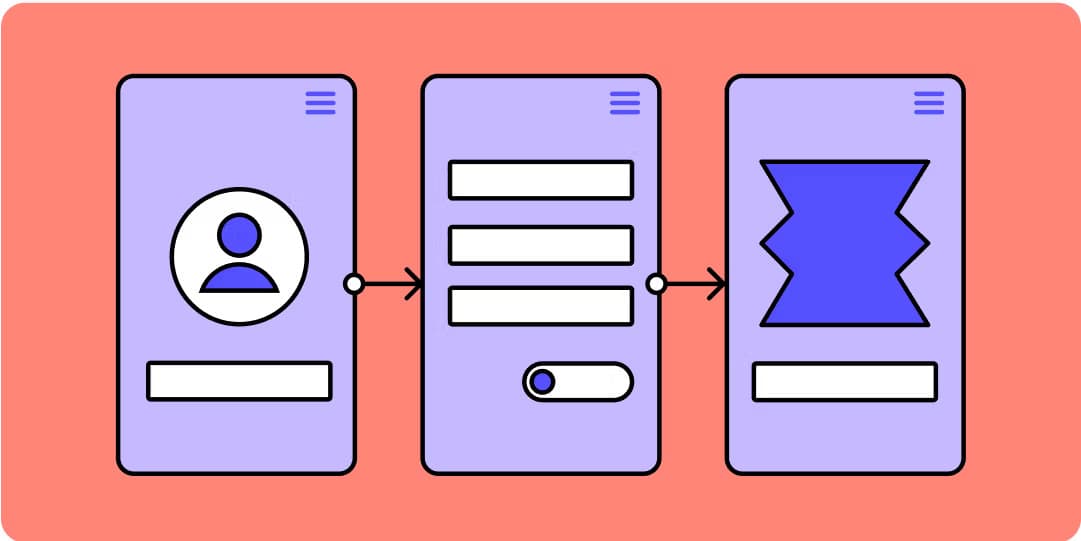
Interactive prototypes help validate designs before development:
- Test user flows
- Gather feedback early
- Identify usability issues
- Communicate with developers
Phase 6: User Testing
This is where you learn what actually works:
- Create test scenarios
- Observe real users
- Take notes (don't defend your design!)
- Iterate based on feedback
Common Mistake
Don't wait until the end to test. Conduct usability tests throughout the design process for better results.
Phase 7: Handoff & Development
Smooth collaboration with developers is crucial:
- Provide detailed specifications
- Document interactions and animations
- Share design system guidelines
- Be available for questions
Phase 8: Launch & Iteration
The work doesn't stop at launch:
- Monitor analytics and user feedback
- Identify areas for improvement
- Plan future iterations
- Celebrate wins with the team! 🎉
My Favorite Tools
Here's my current design stack:
- Design: Figma
- Prototyping: Figma, ProtoPie
- Collaboration: Notion, Slack
- Analytics: Google Analytics, Hotjar
Conclusion
Great design is an iterative process. Don't be afraid to experiment, fail, and learn. Every project teaches you something new.
The key is to stay user-focused throughout the entire process. When you put users first, you create products that truly solve problems and delight people.
What's your design process like? I'd love to hear about it!